
2 years
−62%+6 months free
190 ₽per month
5 700 ₽ in total
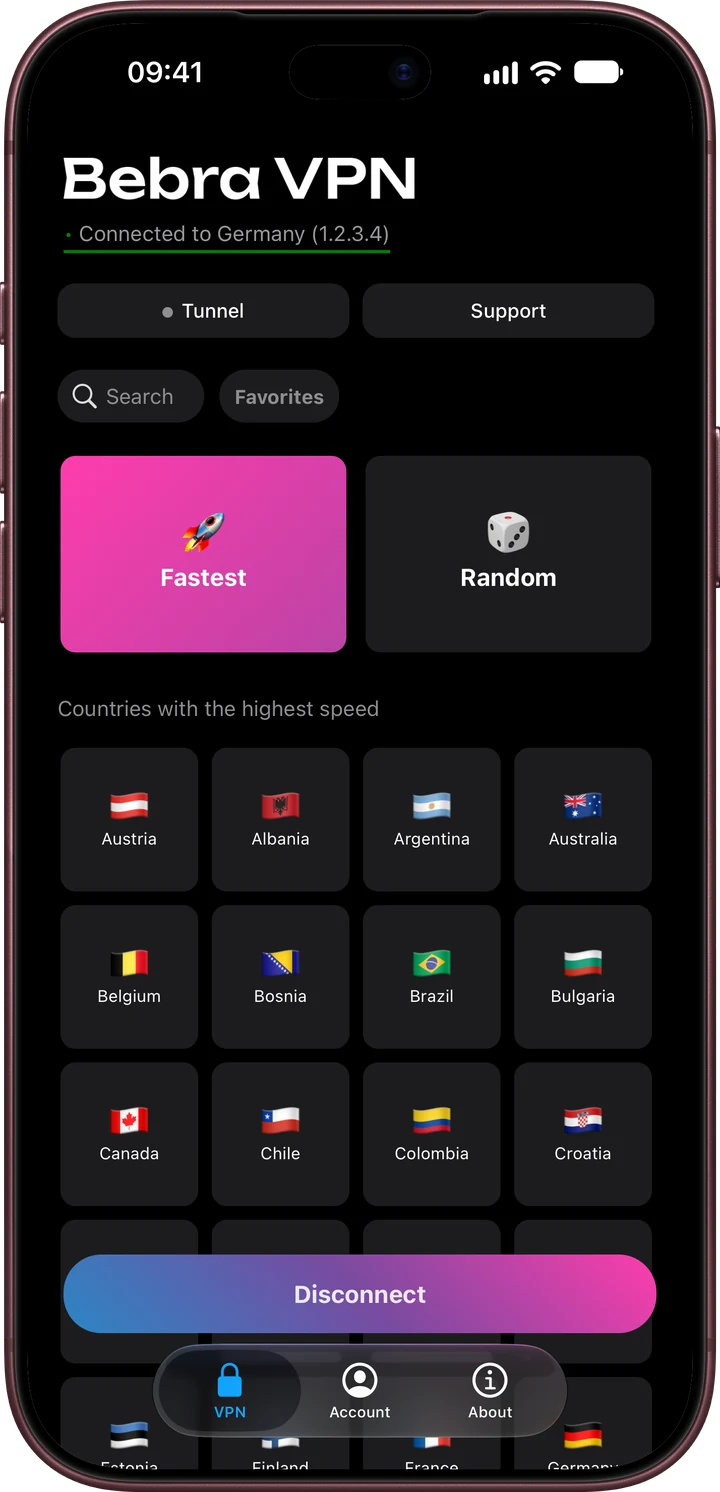
Buy for 5 700 ₽Bebra VPN doesn’t come as a Firefox add-on. The app for Linux, Windows and macOS connects the whole system, and Firefox goes through the tunnel without any setup.
Updated
Firefox ships as Ubuntu’s default browser, so Linux comes first here: Bebra has two builds for it. The DEB package is for Ubuntu 22.04 or Debian 12 and newer and needs NetworkManager. The AppImage is a single file you run without installing a package. Both are x86-64 only.
For a step-by-step install, see the Linux guide.
Ubuntu 22.04 and newer, Debian 12 and newer, x86-64 · version 1.21.0
Other options AppImage
| Firefox setting | What to do |
|---|---|
| ProxySettings → General → Network Settings | Keep “Use system proxy settings” or choose “No proxy”. A proxy typed in by hand becomes the last hop, so sites see the proxy rather than your Bebra location. |
| DNS over HTTPSPrivacy & Security | Leave it alone. Firefox’s encrypted DNS lookups also leave the computer through Bebra’s tunnel. |
| VPN add-onsAdd-ons and themes | Disable them. While one is on, its server is the address sites get. |
| Private windows | Nothing to change. They go through the VPN just like regular windows. |
YouTube follows this table the same way other sites do. With a manual proxy or an active add-on, videos in Firefox skip the country you picked in Bebra too. “VPN for YouTube on PC” explains how to pick a country for video.
+6 months free
190 ₽per month
5 700 ₽ in total
Buy for 5 700 ₽350 ₽per month
4 200 ₽ in total
Buy for 4 200 ₽500 ₽per month
Billed every month
Buy for 500 ₽No. Snap is only a way of installing the browser, and ESR is the extended support release. Both reach the network through the system, so with Bebra connected they go through the tunnel like Firefox from a DEB package.
Yes. Go to Account → Settings and tick Launch the app on system startup. Only the Linux and Windows apps have this option.