How-tos
VPN Won’t Connect or Load Pages? Fixes Symptom by Symptom

Contents
When a VPN won’t connect, or connects but pages won’t load, reinstalling the app shouldn’t be your first move. Most errors in Bebra come with a tip that lists the steps to take, and the rest boil down to a few quick checks. They’re grouped by symptom below, so find the one you’re seeing and work through it from the top.
Read what the app tells you
If your VPN is not working, Bebra can often tell you why. Under the error message there’s a “How to fix?” button. It opens a window that describes the problem and lists steps for that specific error. Some steps come with a button of their own, such as “Find working server”, “Grant permission” or “Reinstall service”.
At the bottom of the window you’ll see “Didn’t help? Contact support:” followed by your ID and the error code. If you end up writing to support, take a screenshot of that window. It makes the problem much easier to pin down.
Check your internet with the VPN off
Tap “Disconnect” at the bottom of the screen and open any website in your browser. If nothing loads without the VPN either, the problem is your network, not the app. Restart your router, or try mobile data instead of Wi-Fi, or the other way around.
If everything works without the VPN but not with it, compare two networks. When the VPN connects on mobile data but not on your home Wi-Fi, something at your internet provider or in your router is getting in the way. The next sections will help, and it’s worth telling support which network gives you trouble.
Whatever the device, phone or computer, check the date and time too. Secure connections check certificates against the current time, so a clock that’s far off can keep the connection from being set up. Turn on automatic time.
A country won’t connect
Tapping a country tile starts the connection right away. If you get an error instead of the “Connected to” line, look at its title.
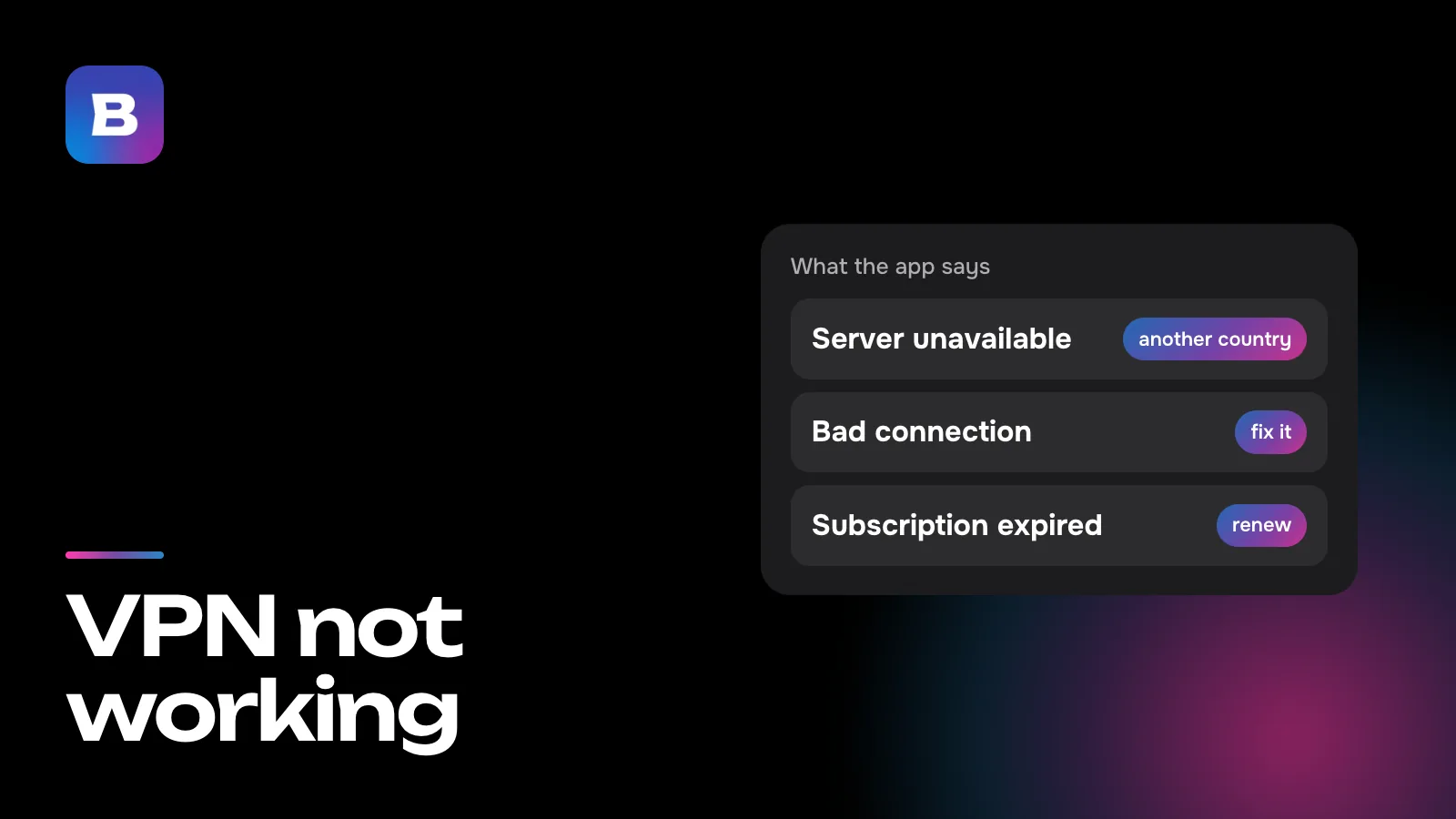
“Server unavailable”
The server you picked may be blocked or temporarily unreachable, even though your internet works. Tap another country’s tile, since the problem may only affect that one server. If you need that particular country, tap “Find working server” right in that window (the same button is under Account → Settings). The app re-tests its routes, fetches new IP addresses and, as a last resort, turns on multihop, sending your traffic through an intermediate server in a third country. The search takes up to two minutes.
“Location temporarily unavailable”
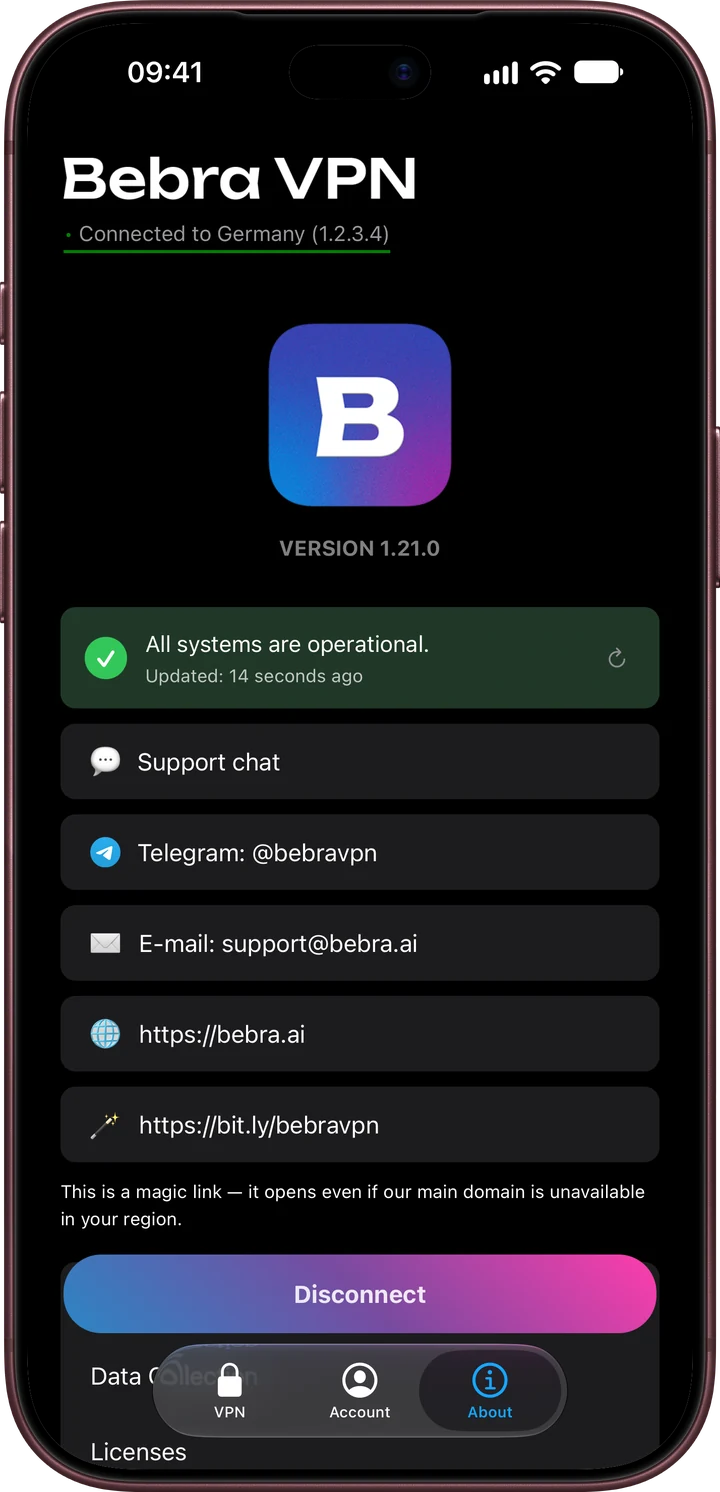
The service is reachable, but this location isn’t responding right now. Pick another country or try again a little later. If every country fails at once, maintenance is the likely cause, and the app suggests waiting 10–15 minutes. You can check the service status on the About tab, which normally reads “All systems are operational”.
A few locations work through a single route only. If that route is down, the app says so and won’t switch to other routes, so wait a bit or choose a different country.
Connected, but pages won’t load
If a “Bad connection” banner shows up, tap “Fix the problem” in it. The app will offer the same search for a working server.
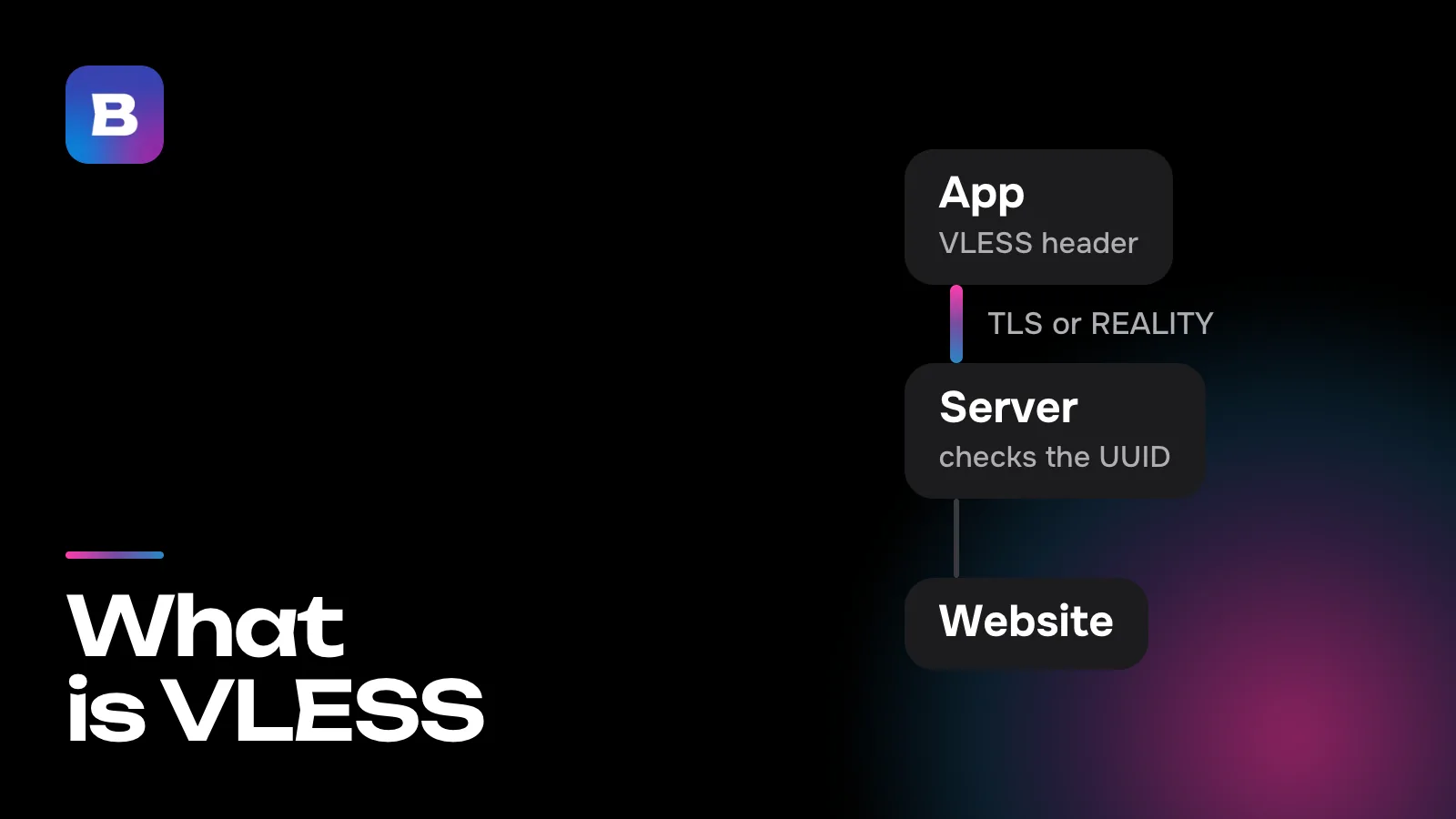
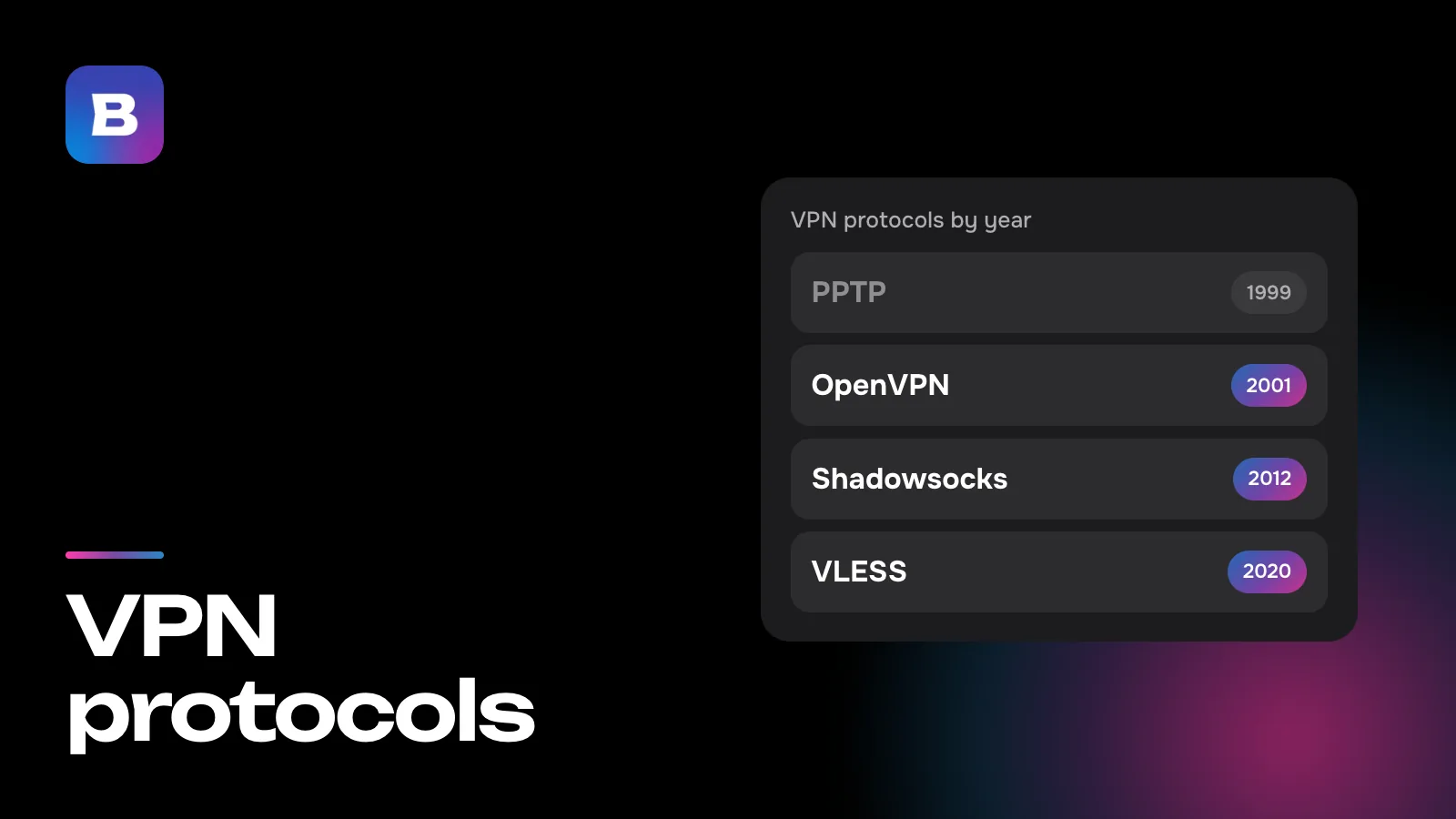
Sometimes the app says outright that there’s no internet connection through this server. That usually means the server’s IP address is blocked on your network. Try another country, multihop or the “Replace Servers” button in the “Regenerate Servers” block under Settings. It changes the IP addresses in every location at once, and you may need to reconnect the VPN on your other devices afterward. Why a connection gets through on one network but not on another is covered in our articles on VPN protocols and VLESS.
One site or app won’t open
If everything works except one service, it may be refusing visitors from VPN addresses. You can let such a service bypass the VPN. Tap “Tunnel” on the home screen to open split tunneling.
- “Manual”. Enter a domain or an IP address, one per line, and traffic to it will skip the VPN.
- “Apps that bypass the VPN”. On Android you can exclude a whole app with the “Select apps” button in the same window.
The new mode takes effect after you reconnect the VPN. Some services notice that a VPN is running on the device at all, and then the only fix is to turn it off for a while. And if Android’s “Block connections without VPN” option is on, the excluded apps and sites will have no internet. The app warns you about this.
The VPN keeps turning off
Android may shut a VPN down in the background to save battery. If you see a “Battery saving” block under Account → Settings, tap “Add to exceptions” in it and let the app ignore battery optimization.
Another VPN on the same device can cause this too. The system won’t let two VPN apps run at the same time. On Android, open Settings → Network & internet → VPN and check whether another app has Always-on VPN switched on. On iPhone, VPN profiles are listed under Settings → General → VPN & Device Management.
Errors on a computer
Windows
An “Administrator rights required” window means the app doesn’t have the rights it needs. Close Bebra, right-click its icon and choose “Run as administrator”. After the first install, a restart is sometimes needed for the rights to apply.
In the “Windows configuration problem” window, start with the “Reinstall service” button. If that doesn’t help, turn off your antivirus temporarily or add the app’s folder to its exclusions. Then install a fresh version over the current one and restart the computer.
Mac
The first time you connect, macOS asks whether to add a VPN configuration. Click “Allow”. If you declined earlier, open System Settings → VPN, remove the configuration and connect again. If the app asks you to allow its VPN system extension, tap “Open Settings” in its tip and allow the extension in System Settings.
Linux
The .deb package for Ubuntu and Debian relies on NetworkManager. If the app reports a “VPN service problem”, make sure the service is installed and running, and turn off any other VPN connections in NetworkManager.
Account and subscription
- “Subscription expired”. Tap “Renew subscription” in the same window. Your app settings stay as they are.
- “You’re signed out”. Tap “Sign in again” and use the same sign-in method as before.
- “Failed to sign in”. Check the code from the email or the screen, and if the code doesn’t arrive, try another way to sign in.
- The code won’t send. On the sign-in screen, tap “Mirror Settings”, then “Automatic mirror selection”. If you’re already signed in, the same is in the Mirror block under Settings. If that doesn’t work, get a mirror address from support and enter it with “Manual mirror input”.
When nothing helps
Bebra’s support team is available around the clock. The “Support” button on the home screen opens a chat, or you can write to @bebravpn on Telegram or to [email protected]. Attach the screenshot of the “How to fix?” window with your ID and error code, and mention your device and the network you’re on. Only tap “Share diagnostics” when a support agent asks you to. Once it’s sent, the app shows a code to pass along to them.
Questions and answers
Why does my VPN work on mobile data but not on Wi-Fi?
They’re two different networks with different restrictions. Restart your router, try another country or tap “Find working server”. If that doesn’t help, tell support which network gives you trouble.
Does reinstalling the app help?
Sometimes, but it’s the last step. Go through the “How to fix?” tips and try another country first. If you do reinstall, remove the app completely and install the latest version.
How long does the search for a working server take?
Up to two minutes. The app re-tests its routes, fetches new IP addresses and turns on multihop if it has to.
Why do pages load more slowly with a VPN?
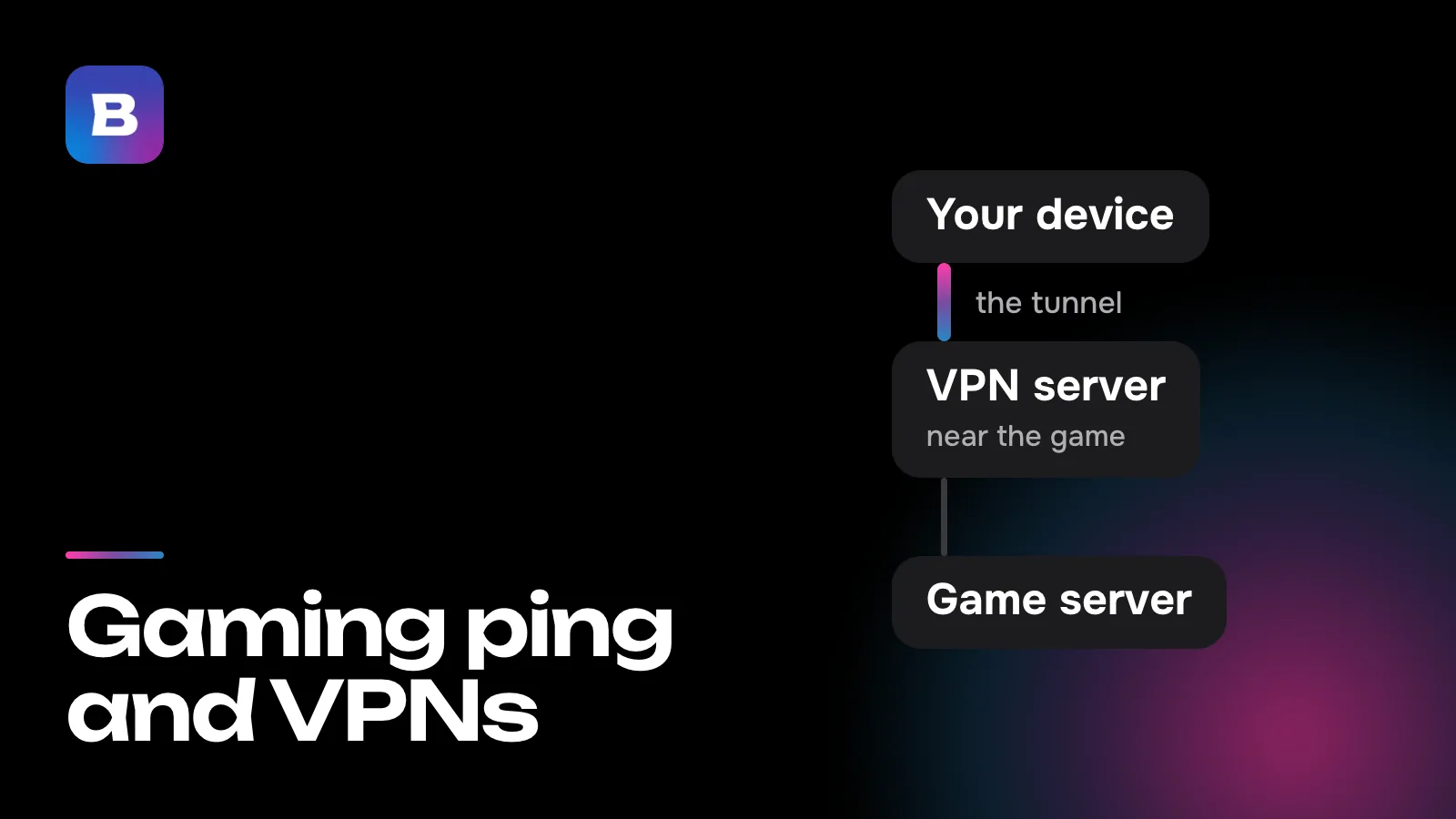
Every request travels through the server, and the farther it is from you, the longer the reply takes. Pick a closer country or tap “Fastest”. We’ve written about how server distance affects games in our article on ping.
Can I keep two VPNs on at once?
No. The system won’t let two VPN apps run at the same time, so turn the other one off in your phone’s or computer’s VPN settings.
What should I do if no country connects at all?
Check your internet with the VPN off and look at the status on the About tab. If there’s maintenance, try again in 10–15 minutes. If the status looks fine, contact support.